
In the competitive Kansas City market and beyond, simply installing WordPress isn't enough to guarantee visibility on search engines like Google. To climb the rankings and attract organic traffic, you need a powerful toolkit, and that starts with choosing the best SEO plugin for WordPress. These tools are the foundation of your on-page optimization, handling critical tasks from XML sitemaps and meta tags to advanced schema markup and real-time content analysis.
However, the sheer number of options can be overwhelming. Not all plugins are created equal. Some are lightweight and simple, perfect for a new business blog or a small local service provider. Others are comprehensive suites packed with features designed for growing e-commerce stores and marketing agencies managing multiple clients. The wrong choice can lead to bloated code, slow site speed, or missed optimization opportunities, while the right one acts as a digital co-pilot guiding your content strategy.
This guide cuts through the noise. We provide a detailed breakdown of the top WordPress SEO plugins, moving beyond generic feature lists to offer practical, actionable insights. We’ll explore their unique strengths, potential limitations, and ideal use cases to help you make an informed decision. For each plugin, you'll find a clear analysis, direct links, and screenshots to see how it works in a real WordPress environment. Our goal is to equip you with the knowledge to select the perfect tool to build a winning SEO strategy from the ground up, whether you're a new LLC or an established enterprise.
1. Yoast (Yoast SEO)
As one of the most downloaded WordPress plugins of all time, Yoast SEO has established itself as the go-to solution for millions of websites, from new blogs to established e-commerce stores. It’s a comprehensive toolkit designed to improve your site’s search engine performance and is often considered a foundational element for anyone serious about digital marketing. Yoast excels at making complex SEO tasks accessible, making it one of the best SEO plugins for WordPress, especially for beginners and teams needing a standardized workflow.
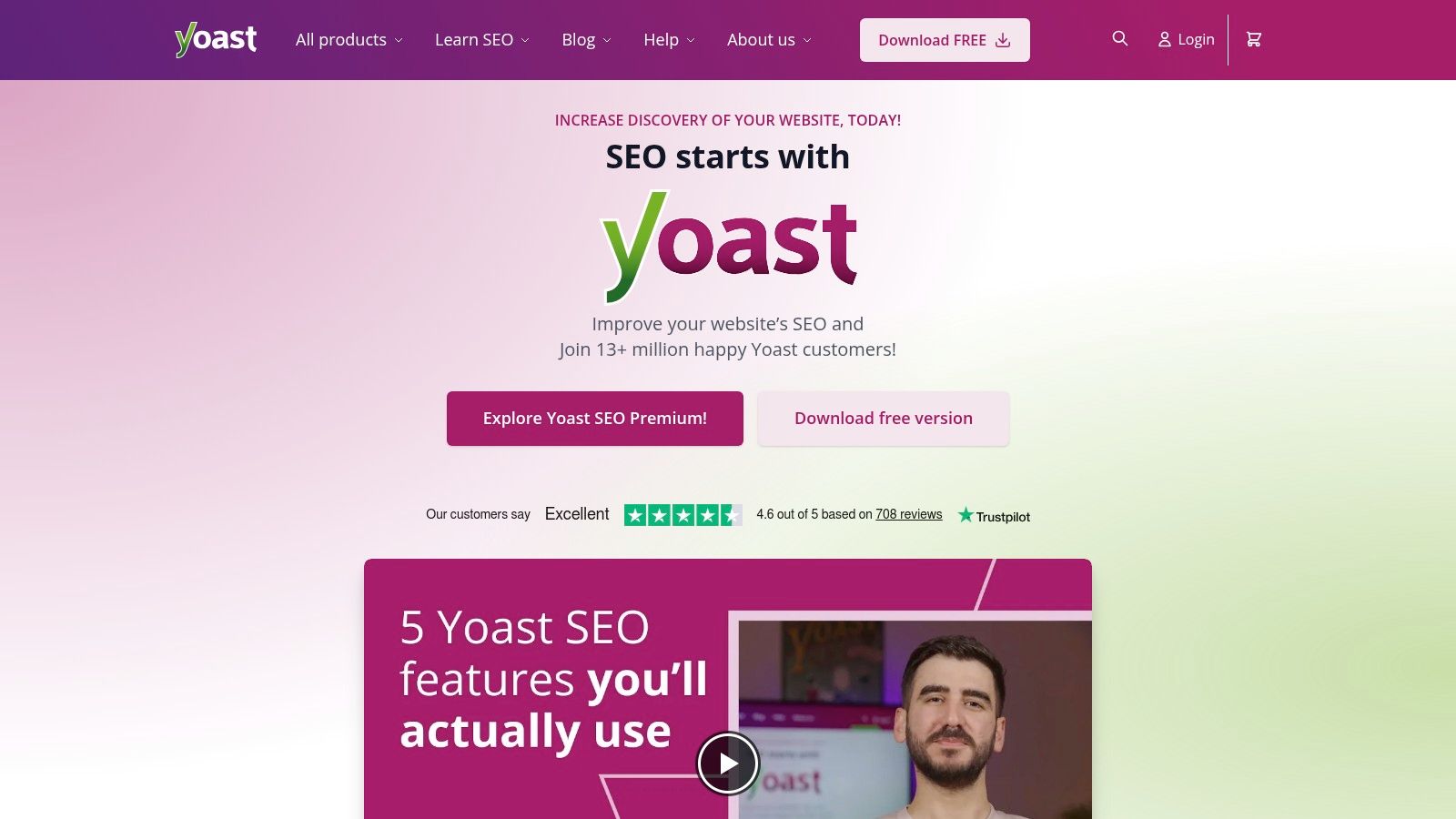
The plugin’s real-time content analysis is its most famous feature. It provides instant feedback on keyword usage, meta descriptions, and readability, guiding you to create better-optimized content. This system is crucial for understanding the core principles of SEO. For a deeper dive into these fundamentals, you can explore our guide on what on-page optimization is and why it matters.
Key Features & Use Cases
- Content & SEO Analysis: Provides a simple red, orange, and green light system for on-page SEO factors and readability. Actionable insight: Use the readability analysis to shorten long sentences and break up dense paragraphs with subheadings, improving user experience and satisfying search engine preferences for clear content.
- Automated Schema Markup: Automatically adds structured data for pages, articles, and products. Practical example: When you publish a blog post, Yoast automatically adds "Article" schema, telling Google the content's purpose and increasing its chances of appearing with enhanced features in search results.
- XML Sitemap Generation: Creates and manages your XML sitemaps, ensuring search engines can efficiently crawl and index your entire site.
- Premium Tools: The Premium version ($99/year per site) unlocks a redirect manager, internal linking suggestions, and orphaned content filters. Actionable insight: Use the "orphaned content" filter to find posts with no internal links pointing to them. Add links from relevant, high-traffic pages to pass authority and help both users and search engines discover this content.
Who is it Best For?
Yoast SEO is ideal for beginners, bloggers, and small to medium-sized businesses who need a robust, all-in-one SEO solution with clear, actionable guidance. The extensive documentation and bundled Yoast SEO Academy courses (with Premium) offer immense value, providing a structured path to mastering SEO fundamentals. While it can feel a bit heavy if you only need basic title and meta tag control, its mature ecosystem and frequent updates provide peace of mind and reliability.
2. Yoast (Yoast SEO)
As one of the most downloaded WordPress plugins of all time, Yoast SEO has established itself as the go-to solution for millions of websites, from new blogs to established e-commerce stores. It’s a comprehensive toolkit designed to improve your site’s search engine performance and is often considered a foundational element for anyone serious about digital marketing. Yoast excels at making complex SEO tasks accessible, making it one of the best SEO plugins for WordPress, especially for beginners and teams needing a standardized workflow.
The plugin’s real-time content analysis is its most famous feature. It provides instant feedback on keyword usage, meta descriptions, and readability, guiding you to create better-optimized content. This system is crucial for understanding core principles, and you can learn more about what on-page optimization is and why it matters.
Key Features & Use Cases
- Content & SEO Analysis: Provides a simple red, orange, and green light system for on-page SEO factors and readability. Actionable insight: Use the readability analysis to shorten long sentences and break up dense paragraphs with subheadings, improving user experience and satisfying search engine preferences for clear content.
- Automated Schema Markup: Automatically adds structured data for pages, articles, and products. Practical example: When you publish a blog post, Yoast automatically adds "Article" schema, telling Google the content's purpose and increasing its chances of appearing with enhanced features in search results.
- XML Sitemap Generation: Creates and manages your XML sitemaps, ensuring search engines can efficiently crawl and index your entire site.
- Premium Tools: The Premium version ($99/year per site) unlocks a redirect manager, internal linking suggestions, and orphaned content filters. Actionable insight: Use the "orphaned content" filter to find posts with no internal links pointing to them. Add links from relevant, high-traffic pages to pass authority and help both users and search engines discover this content.
Who is it Best For?
Yoast SEO is ideal for beginners, bloggers, and small to medium-sized businesses who need a robust, all-in-one SEO solution with clear, actionable guidance. The extensive documentation and bundled Yoast SEO Academy courses (with Premium) offer immense value, providing a structured path to mastering SEO fundamentals. While it can feel a bit heavy if you only need basic title and meta tag control, its mature ecosystem and frequent updates provide peace of mind and reliability.
3. Rank Math
Rank Math has rapidly emerged as a powerful contender in the SEO plugin space, praised for its modern interface and extensive feature set, even in its free version. It functions as a lightweight yet comprehensive suite, integrating functionalities that often require multiple separate plugins. Its modular design allows users to enable only the features they need, keeping the site fast and uncluttered. This approach makes Rank Math one of the best SEO plugins for WordPress for users seeking advanced control without the bloat.
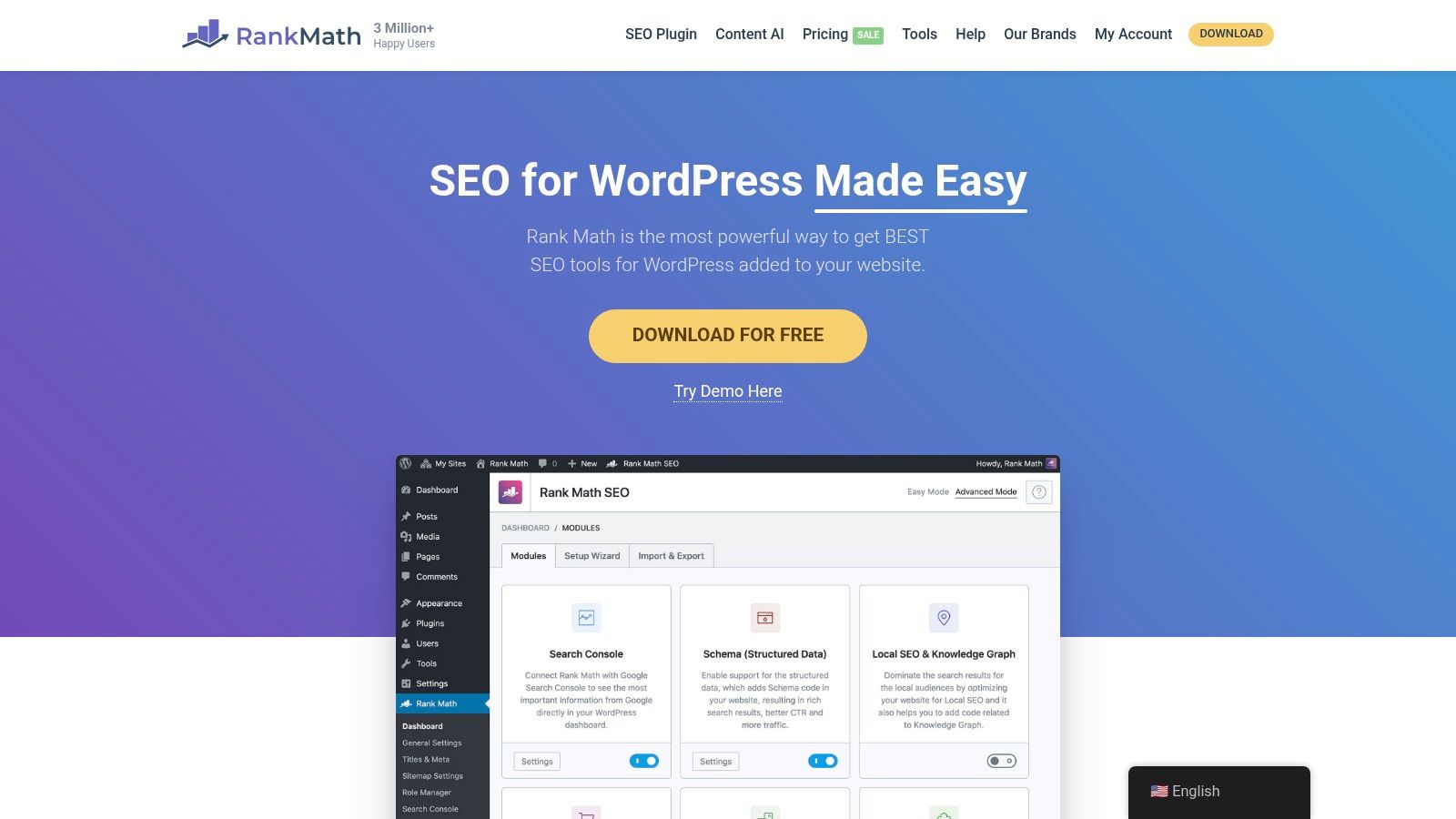
The plugin’s standout feature is its intelligent setup wizard, which guides you through configuring essential SEO settings based on your site type. Its deep integration with page builders like Elementor and a strong focus on schema markup make it a favorite for businesses and e-commerce sites. The built-in Content AI can also help refine your content strategy, which works best when paired with solid fundamental knowledge. You can explore these fundamentals in our guide on how to conduct keyword research.
Key Features & Use Cases
- Modular Framework: Activate or deactivate modules like the 404 Monitor, Redirections, or WooCommerce SEO. Actionable insight: If you run a simple blog, deactivate the WooCommerce and Local SEO modules to reduce plugin overhead and keep your site's backend lean and fast.
- Advanced Schema Markup: Includes a built-in schema generator with support for numerous types (Article, Product, Recipe, etc.). Practical example: A food blogger can use the "Recipe" schema to mark up ingredients and cooking times, making their posts eligible for rich recipe cards in Google search.
- Content AI & Rank Tracking: The Pro version ($5.75/month) introduces an AI assistant for content optimization and the ability to track keyword rankings. Actionable insight: Use the Content AI to check your draft against top-ranking articles for keyword density, question usage, and link count, providing a data-driven path to outranking them.
- Deep Integrations: Offers seamless integration with Elementor, Divi, and WooCommerce, providing SEO controls directly within their native interfaces.
Who is it Best For?
Rank Math is an excellent choice for intermediate to advanced users, developers, and small businesses who want more features out-of-the-box. Its generous free version offers tools like redirections and multiple focus keywords, which are often premium features elsewhere. While its extensive settings can be overwhelming for absolute beginners, those willing to explore its capabilities will find a powerful and efficient optimization tool.
4. All in One SEO (AIOSEO)
A long-standing competitor in the SEO plugin space, All in One SEO (AIOSEO) has evolved into a powerful and user-friendly suite for optimizing WordPress sites. It offers a comprehensive set of tools that cater to both beginners and advanced users, striking a fine balance between content guidance and technical control. AIOSEO is often lauded for its intuitive interface and seamless setup wizard, making it one of the best SEO plugins for WordPress for those who want a robust solution without a steep learning curve.
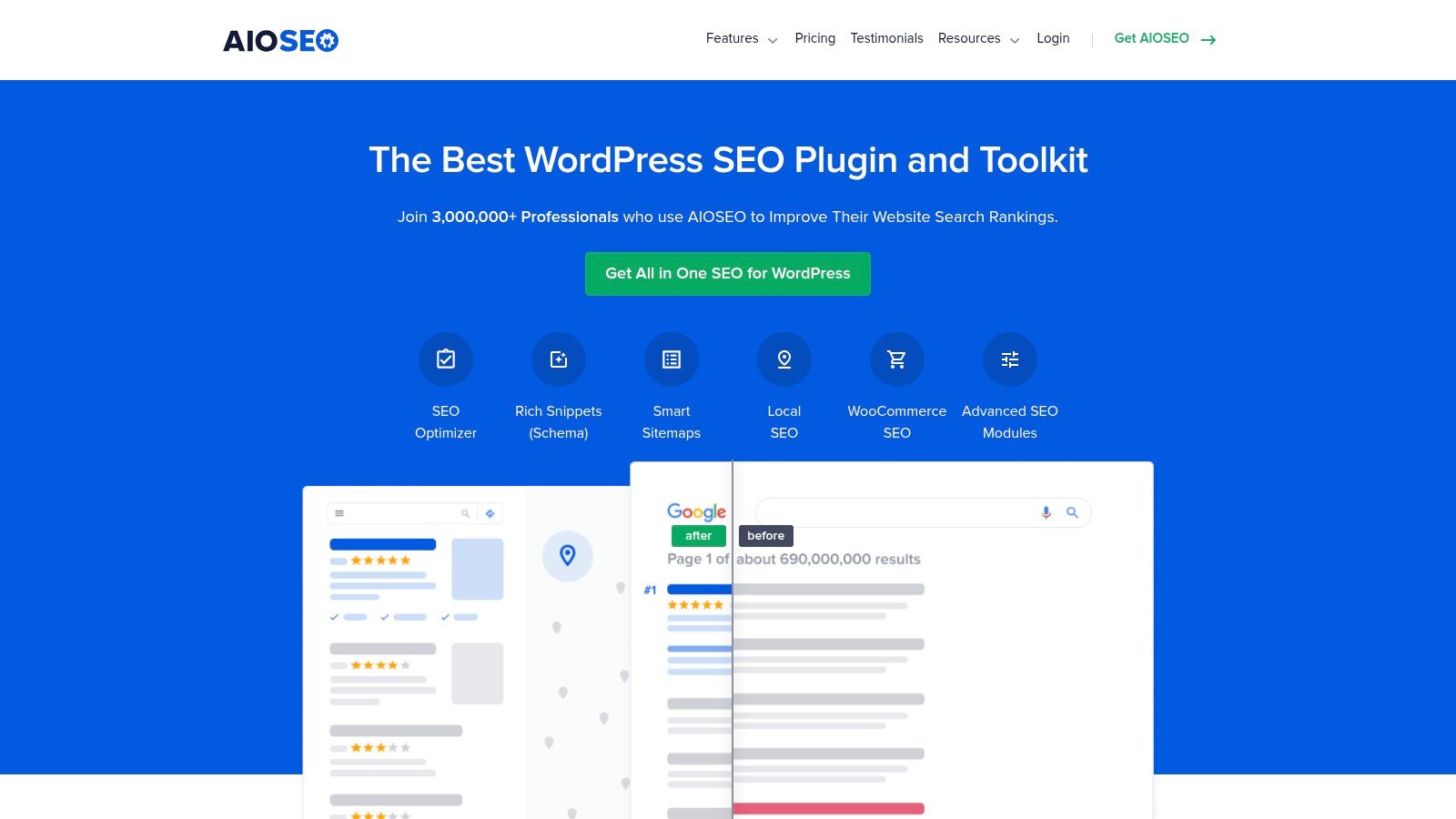
The plugin’s TruSEO on-page analysis provides a clear checklist and score, helping you optimize every page and post for your target keywords. It also excels in technical areas like schema markup and sitemap generation. For those needing to ensure their site is properly indexed, our guide can help you understand how to create and submit an XML sitemap.
Key Features & Use Cases
- TruSEO On-Page Analysis: A detailed checklist with actionable recommendations for improving content, titles, and meta descriptions right within the editor. Actionable insight: Focus on getting your "Basic SEO" and "Title" checklist items in the green first, as these often provide the biggest impact for the least effort.
- Comprehensive Schema Markup: Supports a wide variety of schema types, including local business, product, and video. Practical example: A local plumbing company can use the Local Business schema to feed Google its address, phone number, and service area, increasing its chances of appearing in the local map pack.
- Local SEO Module: An essential tool for businesses in Kansas City and beyond, allowing you to easily add business information, store hours, and Google Maps integration.
- Advanced SEO Tools: Includes a redirect manager, image SEO automation, and support for headless WordPress setups via its REST API. Actionable insight: Enable the Image SEO module to automatically generate alt text and titles for your images based on their file names, saving you hours of manual work.
Who is it Best For?
AIOSEO is an excellent choice for bloggers, marketers, and business owners who need a balanced toolkit covering both content and technical SEO. Its easy migration tools make it simple to switch from other plugins. The Pro version (starting at $49.60/year) unlocks powerful features like local SEO, video sitemaps, and advanced WooCommerce support, making it a highly scalable solution as your business grows.
5. SEOPress
SEOPress has carved out a strong reputation as a powerful, lightweight, and white-label-friendly SEO solution. Unlike some competitors that fill your WordPress dashboard with ads and upsells, SEOPress offers a clean, professional interface, making it a favorite among agencies and developers. It's a comprehensive suite of tools that covers all the essential SEO bases without the bloat, positioning it as one of the best SEO plugins for WordPress for users who value performance and a clutter-free experience.
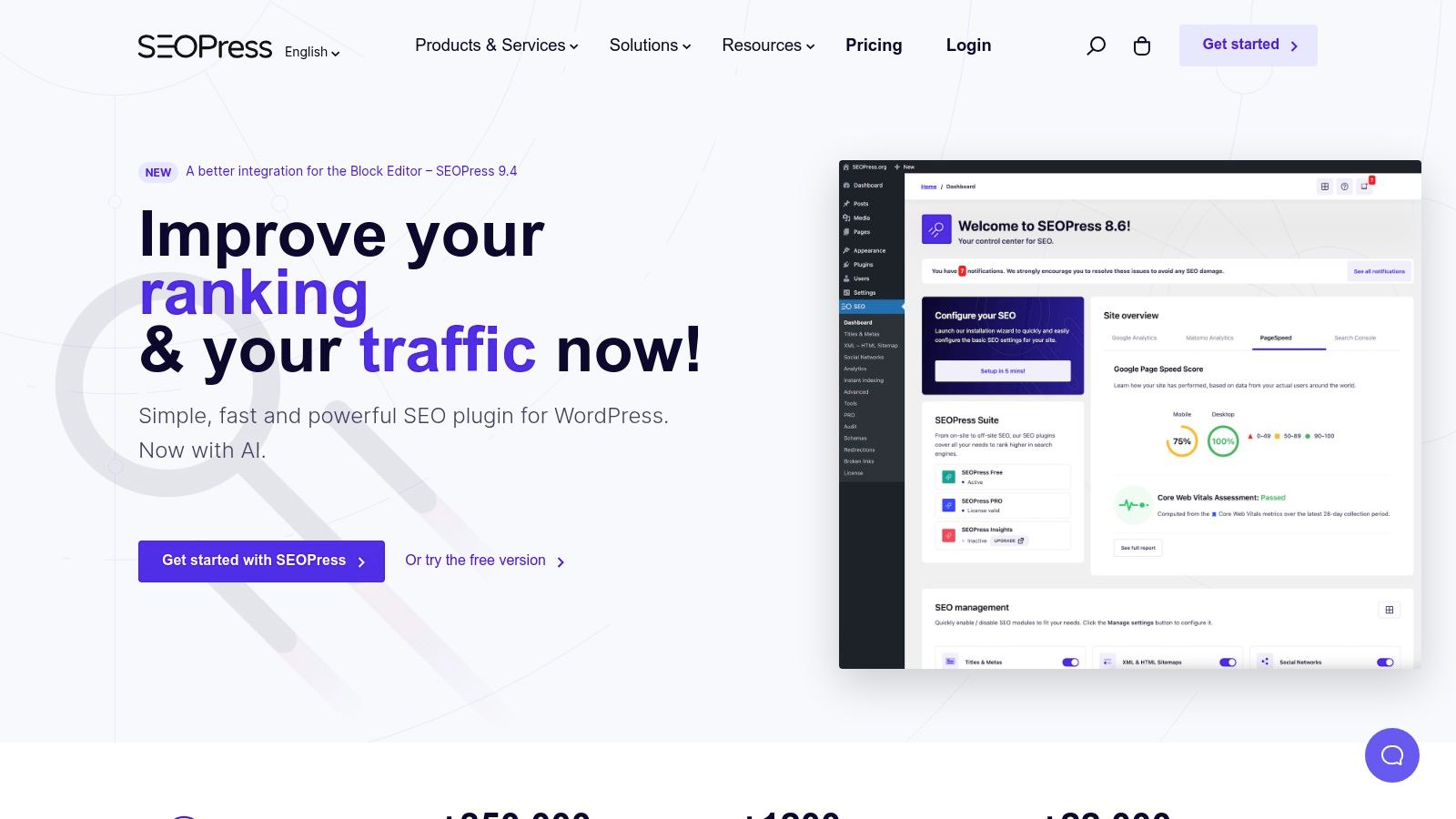
The plugin’s primary appeal lies in its all-in-one nature combined with an extremely competitive pricing model. It integrates a vast number of features, including local SEO, WooCommerce optimization, and advanced schema markup, directly into its core offering. This prevents the need for installing multiple separate plugins, which is crucial for maintaining a fast and secure website.
Key Features & Use Cases
- White-Label for Agencies: A key differentiator, allowing agencies to remove all SEOPress branding from the front-end and back-end. Practical example: An agency can replace the SEOPress logo and links with their own, providing a branded, professional SEO management experience for their clients.
- Comprehensive Schema Markup: Includes automatic and manual structured data support for articles, recipes, local businesses, and more. Actionable insight: Use the FAQ schema on your service pages to mark up common questions. This can help you win a rich snippet that takes up significant space on the search results page.
- Advanced Sitemaps: Generates XML sitemaps for posts, pages, and custom post types, as well as specialized sitemaps for Google News and videos.
- Affordable Pro Version: The premium plan ($49/year) unlocks unlimited sites, local SEO features, WooCommerce integration, and a broken link checker. Actionable insight: Use the broken link checker to find and fix 404 errors. Instead of just removing the dead link, redirect it to a relevant, live page to preserve link equity.
Who is it Best For?
SEOPress is an excellent choice for web developers, agencies, and budget-conscious business owners who manage multiple websites. Its unlimited-site license is one of the most cost-effective on the market. While its user base and third-party integrations are smaller than Yoast's, its performance-focused design and professional feature set make it a top contender for users who want full control without the noise.
6. The SEO Framework
The SEO Framework is built for performance and efficiency, appealing to users who want powerful SEO features without the resource drain or complex interfaces of larger plugins. It stands out by being incredibly lightweight, privacy-focused, and unbranded in the WordPress dashboard. This "less is more" philosophy makes it one of the best SEO plugins for WordPress for developers and agencies who need a clean, fast, and white-label-ready solution that handles technical SEO brilliantly out of the box.
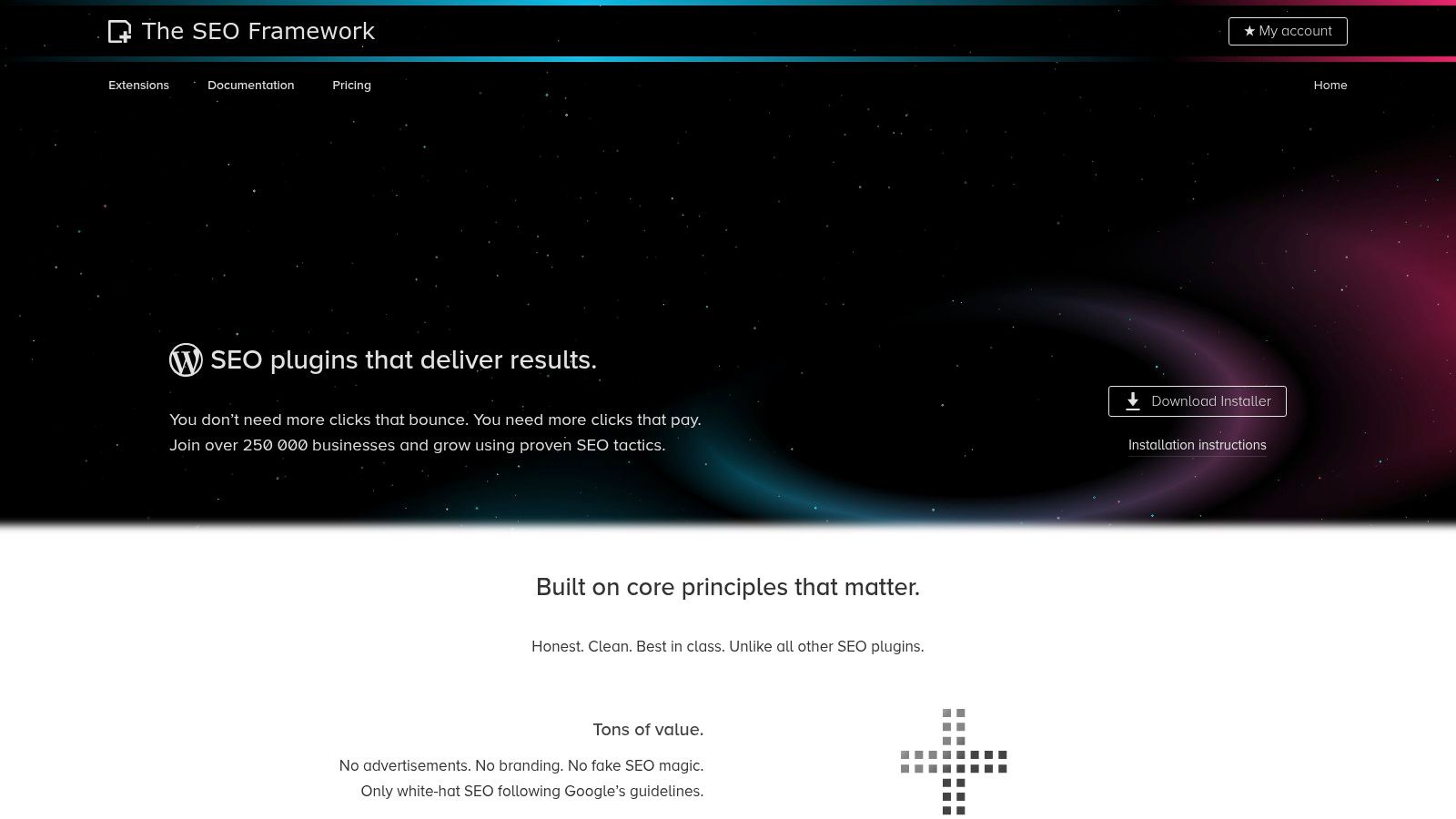
Unlike plugins that require extensive configuration, The SEO Framework comes pre-configured with sensible defaults that align with Google's best practices. It intelligently generates critical meta tags and structured data automatically, saving you significant time. To get the most out of any SEO plugin, it's crucial to connect it with essential tools; you can see a step-by-step guide in our article on how to set up Google Search Console.
Key Features & Use Cases
- Performance-Oriented: One of the fastest and most lightweight SEO plugins available, ensuring it won't slow down your site.
- Automated SEO: Intelligently automates title generation, meta descriptions, and schema markup. Practical example: The plugin automatically generates a concise and SEO-friendly meta description from your post's introduction, but you can easily override it for important pages where a custom, compelling description is needed to boost click-through rates.
- Modular Extensions: The paid versions (starting at $7/month) add functionality through extensions for Local SEO, AMP, and article enhancements. Actionable insight: A local Kansas City business can install the Local SEO extension to add their business info, map, and opening hours schema, without bloating the plugin for users who don't need it.
- Clean User Interface: Offers a clutter-free, unbranded experience within the WordPress dashboard, making it ideal for client work or those who prefer a minimalist setup.
Who is it Best For?
The SEO Framework is perfect for performance-conscious users, developers, and agencies who prioritize speed and a clean backend experience. Its pre-configured nature is a major benefit for those who trust established SEO best practices and want a "set it and forget it" tool for core technical optimizations. While beginners can certainly use it, its minimal guidance and reliance on extensions for advanced features might be less intuitive for those just starting their SEO journey compared to more hand-holding alternatives.
7. WPMU DEV – SmartCrawl
For freelancers, agencies, and developers managing multiple client sites, SmartCrawl by WPMU DEV presents a unique value proposition. It’s not just an SEO plugin but part of a comprehensive suite of tools included in a WPMU DEV membership, which also features performance, security, and image optimization plugins. This integrated ecosystem makes it an excellent choice for professionals who need a centralized solution for site management and optimization.
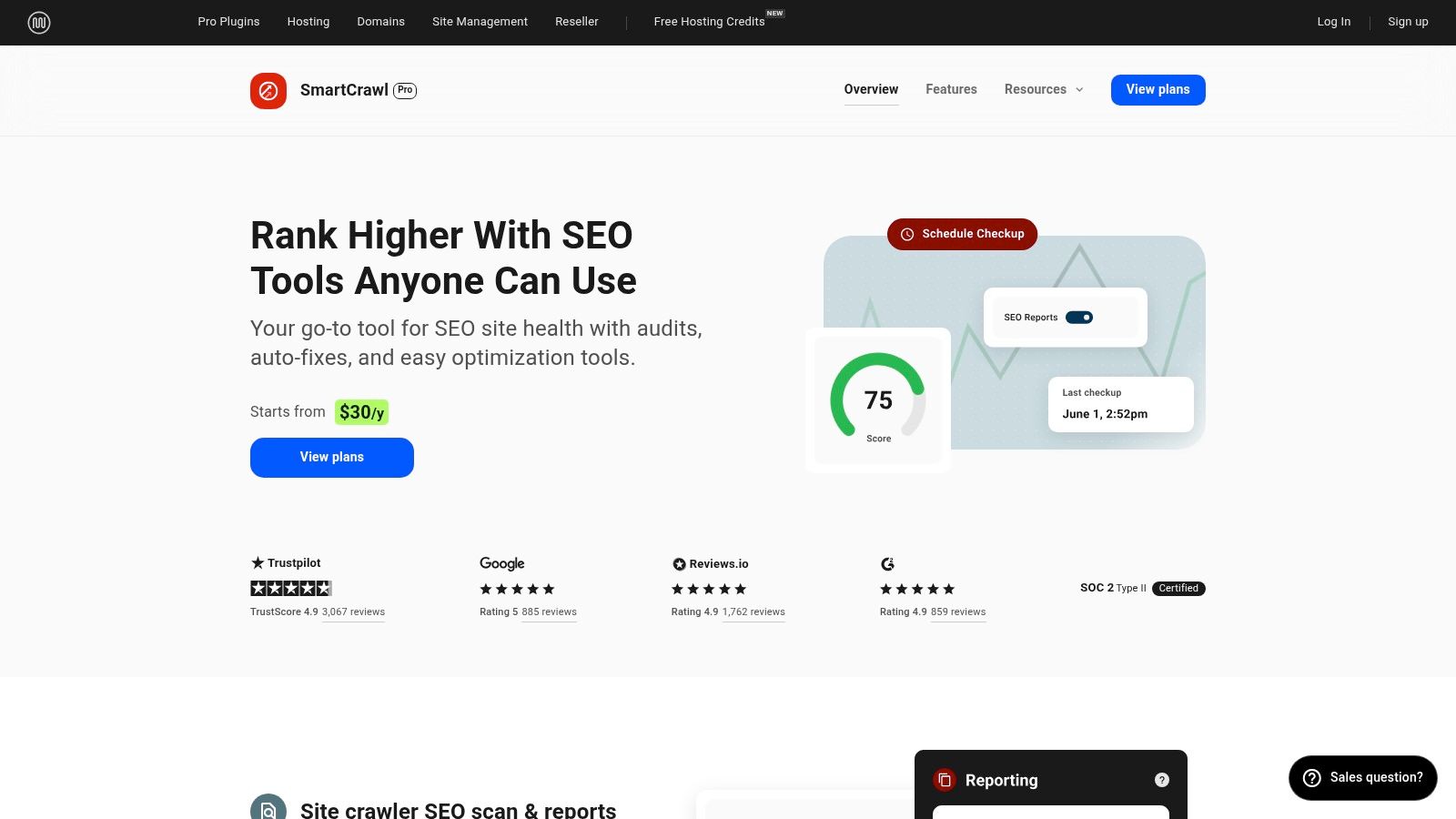
SmartCrawl stands out with its powerful SEO audits and white-label reporting features, allowing agencies to provide branded SEO reports directly to their clients. While it covers all the essentials like schema markup and XML sitemaps, its real strength lies in how it seamlessly connects with other WPMU DEV plugins like Smush for image compression and Hummingbird for caching, creating a unified performance and SEO workflow. This makes it one of the best SEO plugins for WordPress for those seeking an all-in-one management platform.
Key Features & Use Cases
- Integrated SEO Audits & Reports: Run automated site crawls and generate detailed SEO reports that can be white-labeled. Actionable insight: Schedule a monthly automated audit and have the report emailed directly to your client (with your agency branding) to transparently show progress and highlight areas for improvement.
- Complete WPMU DEV Toolkit: Access is bundled with a WPMU DEV membership ($32.50/month), which includes premium plugins for caching (Hummingbird), image optimization (Smush Pro), and security (Defender Pro).
- Automatic Linking: Easily set keywords to automatically link to specific URLs across your site. Practical example: Set the keyword "WordPress hosting" to automatically link to your affiliate review page every time it appears in a post, effortlessly building internal links to a money page.
- Redirect Manager: A built-in tool to manage 301 redirects and monitor 404 errors, crucial for maintaining site health during redesigns or content updates.
Who is it Best For?
SmartCrawl is best suited for WordPress agencies, freelancers, and developers who manage a portfolio of websites. The value is not in SmartCrawl as a standalone product but in the entire WPMU DEV membership, which provides a cohesive set of high-quality tools, hosting, and support under a single subscription. If you’re already using or considering their other services, SmartCrawl is a highly capable and convenient addition. Individual site owners might find the membership model excessive if they only need a single SEO plugin.
8. Squirrly SEO
Squirrly SEO positions itself as a private SEO consultant powered by AI, designed for users who want a guided, step-by-step process. Rather than just providing tools, it offers a complete workflow from keyword research to content optimization and performance tracking. This unique, hand-holding approach makes complex SEO tasks feel more manageable, earning it a spot among the best SEO plugins for WordPress for those who find traditional plugins overwhelming.
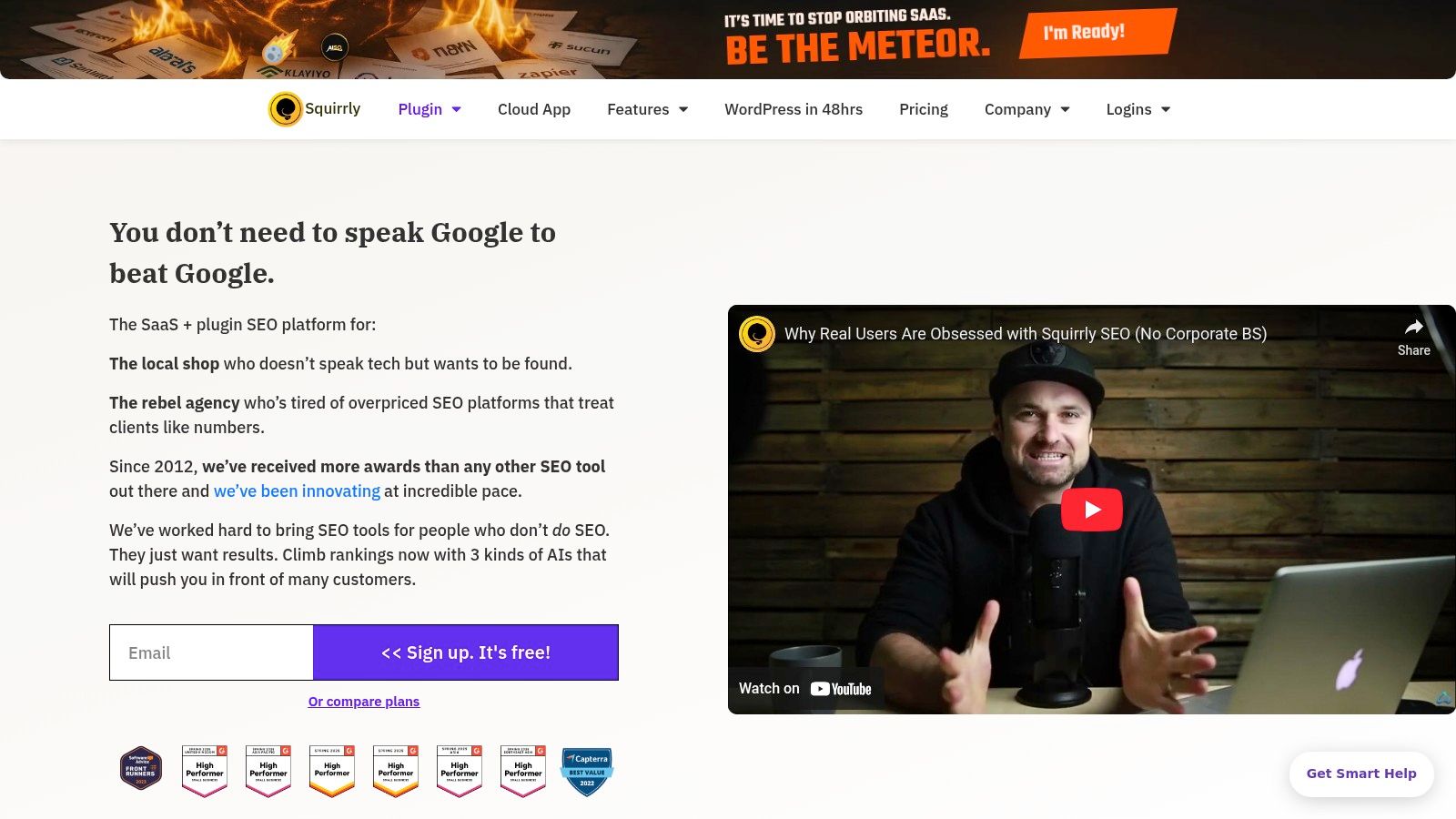
The core of Squirrly is its "Focus Pages" feature, which helps you concentrate your efforts on your most important pages. The Live Assistant provides real-time, actionable advice as you write, turning optimization into an interactive game. Its combination of a WordPress plugin with a cloud-based SaaS platform ensures that intensive processing doesn't slow down your site, an important factor we discuss in our guide on how to speed up a WordPress site.
Key Features & Use Cases
- AI-Guided Optimization: The Live Assistant offers real-time feedback and suggestions directly within the WordPress editor. Actionable insight: As you write, keep the Live Assistant open and aim for a 100% optimization score by following its prompts, like adding your keyword to an H2 tag or including an image with relevant alt text.
- Built-in Keyword Research: Perform keyword research and SERP analysis directly from your dashboard, with credits included in your plan.
- Focus Pages & Audits: Designate key pages for intensive optimization and receive detailed weekly audits. Practical example: Set your main service pages as "Focus Pages." Squirrly will then audit them weekly and give you specific tasks, such as "Improve social media signals for this page" or "Build an internal link from a new blog post."
- Education-Centric Model: Squirrly includes numerous in-plugin lessons and challenges to actively teach users SEO principles as they work.
Who is it Best For?
Squirrly SEO is best suited for beginners, non-technical marketers, and small business owners who feel lost with traditional SEO tools. Its gamified, task-based system provides the structure and guidance needed to build strong SEO habits. While the credit-based system and unique interface can be a learning curve for seasoned SEO professionals, its all-in-one, education-first approach is perfect for those who want to learn and implement SEO simultaneously. Pricing starts with a free plan, and paid plans begin at around $20.99/month.
9. Schema Pro (Brainstorm Force)
While all-in-one SEO plugins handle basic structured data, Schema Pro takes it to a professional level. Developed by Brainstorm Force, the team behind the popular Astra theme, this plugin is designed for one specific task: implementing advanced schema markup with precision and ease. It complements your primary SEO plugin by adding a much deeper layer of control over how search engines like Google understand your content, which is crucial for earning rich snippets and standing out in search results.
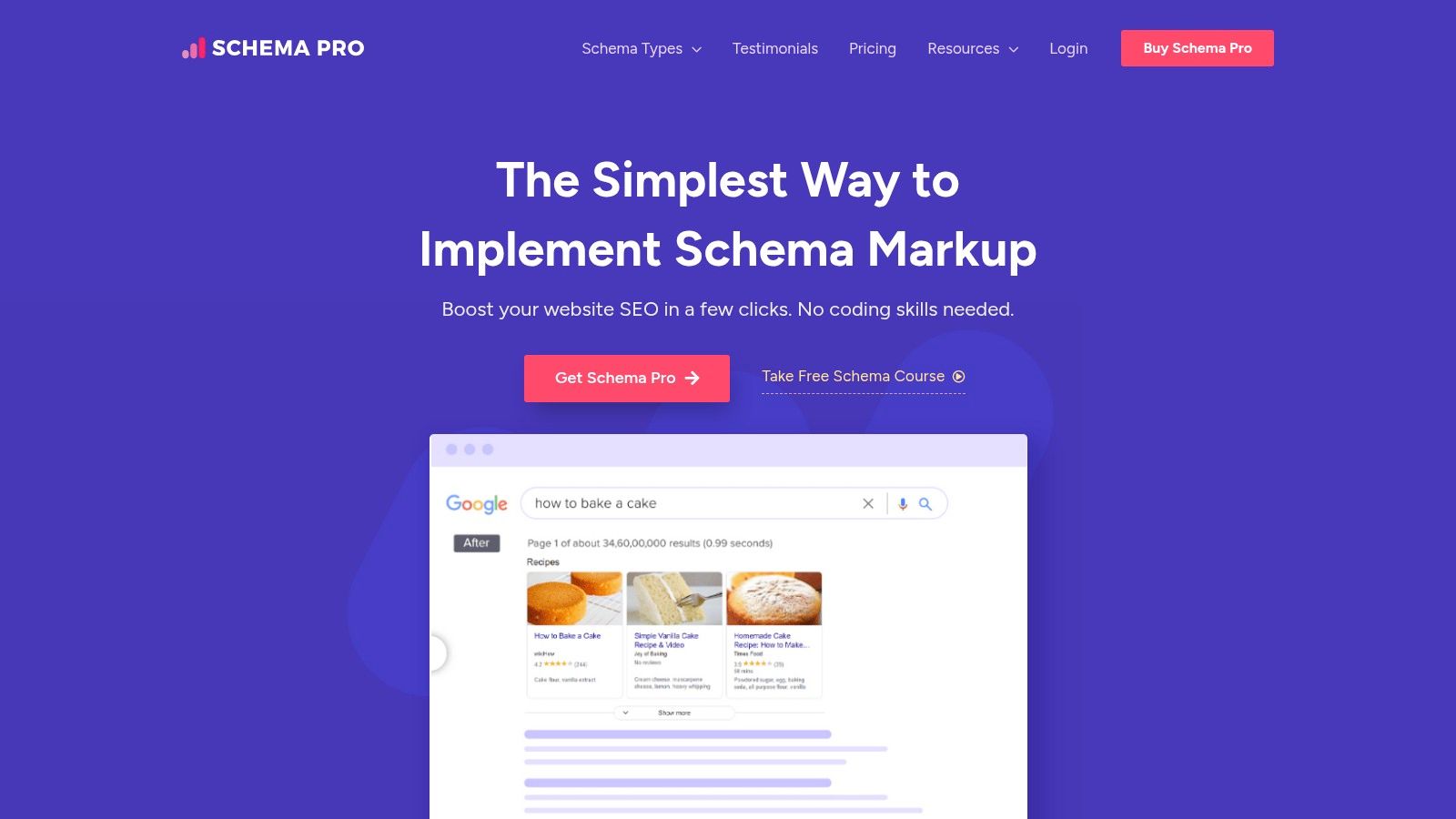
Schema Pro uses a visual, point-and-click setup that automates the generation of complex JSON-LD markup without requiring you to write any code. This approach makes it one of the best SEO plugins for WordPress for users who need more than the default schema types offered by Yoast or Rank Math but lack the technical expertise for manual implementation.
Key Features & Use Cases
- Extensive Schema Type Support: Offers over 20 schema types, including Article, Local Business, Product, FAQ, How-To, and Recipe.
- Advanced Conditional Logic: You can set highly specific rules to apply different schemas to certain posts, pages, or custom post types. Practical example: Create a rule to automatically apply the "Review" schema to all posts in your "Product Reviews" category, while applying the "Article" schema to everything else.
- Custom Field Mapping: Seamlessly maps schema properties to existing WordPress custom fields, including those from Advanced Custom Fields (ACF). Actionable insight: If you have an events website using ACF for event dates and locations, you can map these fields directly to the "Event" schema properties in Schema Pro, automating the entire markup process.
- Live Schema Testing: Integrates with Google’s Rich Result Test, allowing you to validate your markup directly from the WordPress dashboard before publishing.
Who is it Best For?
Schema Pro is ideal for e-commerce sites, review websites, local businesses, and content creators who want a competitive edge in the SERPs. If you’ve found the schema options in your all-in-one plugin too limiting for your specific content (like reviews or events), Schema Pro provides the necessary depth. Its agency-friendly pricing (starting at $67/year) makes it a cost-effective tool for developers and SEOs managing multiple client sites. While it adds another plugin to your stack, the specialized control it offers is invaluable for advanced on-page SEO strategies.
10. CodeCanyon (Envato Market) – WordPress SEO Plugins Category
While not a single plugin, the CodeCanyon marketplace deserves a spot for those seeking highly specific, niche SEO functionalities that larger, all-in-one solutions might not cover. It’s a vast library of premium plugins created by independent developers, offering specialized tools for tasks like advanced schema implementation, dedicated redirect management, or niche image optimization. This makes it a valuable resource for filling functional gaps in your existing SEO toolkit.
The primary advantage of CodeCanyon is finding a purpose-built tool without committing to a costly subscription. For instance, if you only need a powerful real estate schema generator or a specific local SEO citation builder, you can often find a dedicated plugin here for a one-time fee. However, careful vetting is crucial; pay close attention to sales numbers, user ratings, and the "last updated" date to ensure the plugin is well-maintained and compatible with the latest WordPress version.
Key Features & Use Cases
- Niche Functionality: Find specialized plugins for tasks like local SEO schema, advanced link cloaking, or automated internal linking.
- One-Time Purchases: Most plugins are sold with a single-payment license. Practical example: Instead of paying for a full SEO suite just for its redirect manager, you could buy a highly-rated, dedicated redirection plugin from CodeCanyon for a one-time fee of $30.
- Developer Support & Ratings: The platform includes transparent user reviews, sales data, and dedicated support forums for each product. Actionable insight: Before purchasing, check the plugin's comments/support section to see how quickly the developer responds to issues. A responsive developer is a strong indicator of a quality, well-supported product.
- Targeted Solutions: Excellent for finding tools to solve a single, specific problem, such as an advanced 404 error monitor or a plugin to auto-generate alt text for your entire media library.
Who is it Best For?
CodeCanyon is best suited for experienced WordPress users, developers, and marketers who can identify a specific gap in their SEO strategy and are comfortable vetting third-party plugins. If you need a unique feature that your primary best SEO plugin for WordPress doesn't offer, this marketplace is the first place you should look. It's less ideal for beginners who would benefit more from a single, comprehensive, and fully integrated solution.
11. Kinsta: Best WordPress SEO Plugins (Guide)
While not a plugin itself, Kinsta's guide on the best SEO plugins for WordPress is an invaluable resource for anyone navigating this complex ecosystem. As a high-performance WordPress hosting company, Kinsta has a vested interest in ensuring its users' sites are fast and well-optimized. This guide reflects their performance-first philosophy, offering a curated and well-researched perspective on which tools deliver results without slowing down your website. It’s a crucial pre-installation read for any site owner.
This editorial roundup goes beyond simple feature lists, providing context on use-cases and performance considerations. It helps you understand not just what a plugin does, but whether it’s the right fit for your specific needs, be it a new blog, a growing e-commerce store, or a local business in a competitive market like Kansas City.
Key Features & Use Cases
- Performance-Minded Recommendations: The guide emphasizes how different plugins can impact site speed, a critical ranking factor. Actionable insight: Use this guide to cross-reference your top plugin choices. If a feature-heavy plugin you're considering is flagged for performance issues, you can make a more informed decision about whether the features are worth the potential speed trade-off.
- Categorized Selections: It breaks down plugins into categories like all-in-one suites, on-page analysis tools, schema plugins, and more, making it easy to find a specific solution.
- Pricing and Feature Comparisons: Provides clear summaries of what you get with free versus premium versions of popular plugins, helping you make informed budget decisions.
- Direct Links for Research: Each plugin review includes a link to the official vendor site, streamlining your research and verification process.
Who is it Best For?
This guide is perfect for WordPress users at all levels, from beginners trying to choose their first SEO plugin to experienced developers looking for specialized or lightweight alternatives. It’s an essential pre-purchase and pre-installation resource for anyone who wants to compare the top options, understand their pros and cons, and make a decision based on both features and performance impact. While the content is purely informational (Kinsta doesn't sell the plugins), its expert insights make it a must-read.
12. Ahrefs – WordPress SEO Plugin Page
While the official Ahrefs SEO WordPress plugin was retired, its documentation page remains a valuable resource. It now guides users toward leveraging the powerful and free Ahrefs Webmaster Tools (AWT) as a perfect companion to other SEO plugins. This makes it a crucial stop for anyone wanting to combine their on-page optimization efforts with the industry-leading off-page data that Ahrefs provides, effectively supercharging any of the best SEO plugins for WordPress you choose to install.
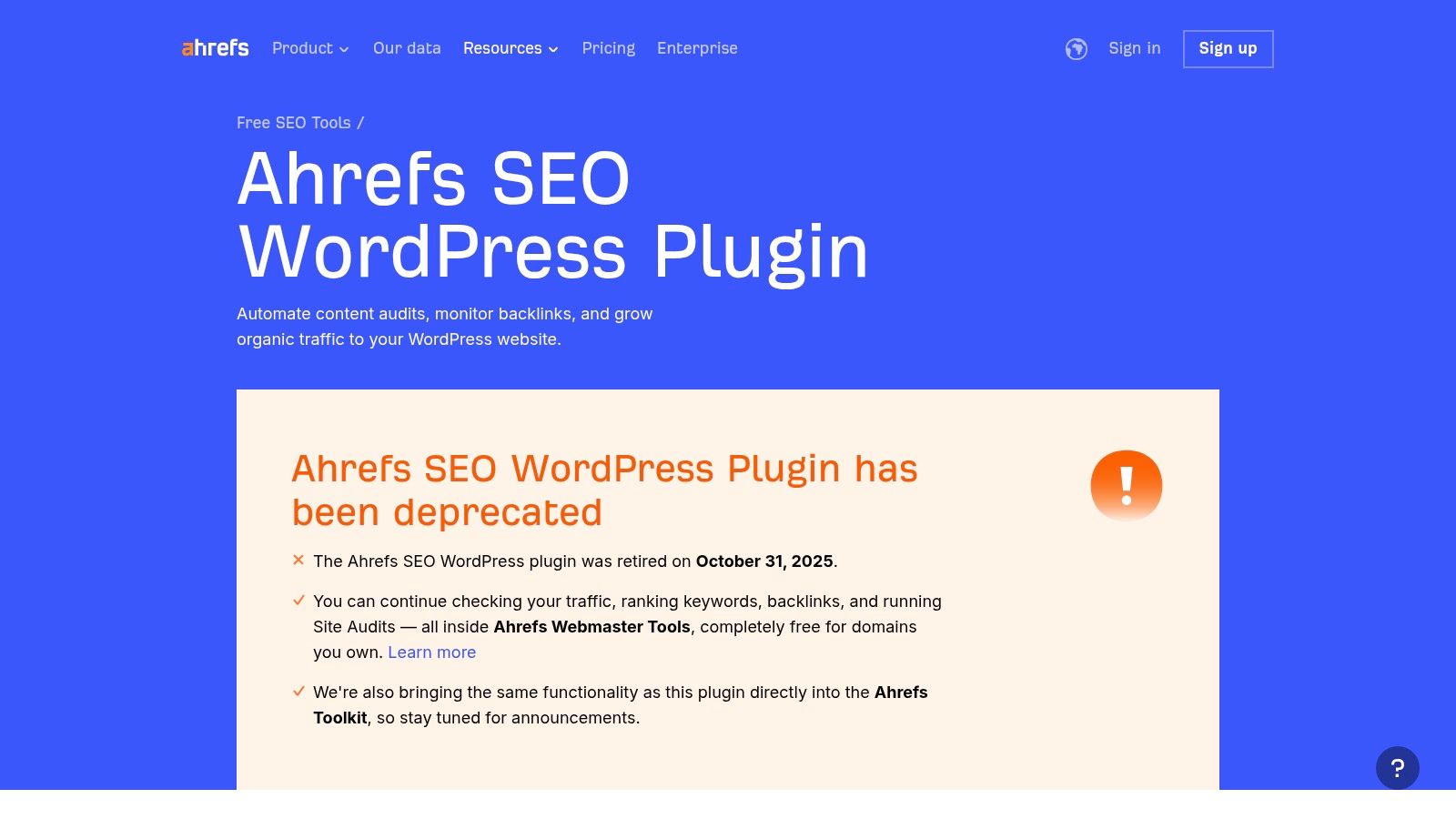
The primary value here is learning how to pair your WordPress site with AWT. This gives you free access to a comprehensive site audit tool that scans for over 100 technical SEO issues, plus invaluable backlink and keyword data. This external data provides a broader perspective that on-site plugins alone cannot offer, helping you understand your site’s authority and competitive landscape.
Key Features & Use Cases
- Ahrefs Webmaster Tools (AWT) Integration: The page provides clear directions for connecting your WordPress site to the free AWT service.
- Comprehensive Site Audits: Use AWT to find and fix technical SEO problems like broken links, slow pages, and incorrect meta tags. Actionable insight: Run a crawl with AWT and sort the results by "Top Issues." This will immediately show you the most critical errors to fix, such as pages with duplicate title tags or broken internal links.
- Backlink & Keyword Data: Monitor your backlink profile and see which keywords your site ranks for, all for free. Practical example: Use the AWT keyword report to find pages ranking on positions 5-15. These are high-potential pages that could jump to page one with some content updates and internal linking, an easy win identified by AWT.
- Educational Content: The resource hub offers high-quality guidance on performing content audits and improving your overall SEO performance using Ahrefs data.
Who is it Best For?
This resource is ideal for website owners of all levels who are already using an SEO plugin but want to augment it with powerful, free external data. It’s perfect for small businesses, bloggers, and e-commerce stores looking to gain deeper insights into their site’s technical health and off-page authority without a paid Ahrefs subscription. While the plugin itself is gone, the guidance on using AWT makes this a must-have tool in your SEO arsenal.
Top 12 WordPress SEO Plugins — Quick Comparison
| Plugin / Resource | Core features ✨ | UX / Quality ★ | Value / Price 💰 | Target audience 👥 | Standout / USP 🏆 |
|---|---|---|---|---|---|
| WordPress.org Plugin Directory | Repository, one‑click install, changelogs, reviews ✨ | ★★★★ (transparent data) | 💰 Free gateway (plugin quality varies) | 👥 Site owners, devs, researchers | 🏆 Official repo & vetting |
| Yoast (Yoast SEO) | Content/readability analysis, schema, redirects (Premium) ✨ | ★★★★★ (mature, documented) | 💰 Freemium → Premium subscription | 👥 Agencies, editors, teams | 🏆 Extensive docs & Yoast Academy |
| Rank Math | Schema, rank tracking, Content AI, modular setup ✨ | ★★★★ (feature‑rich, fast) | 💰 Strong free tier; paid AI/features | 👥 eCommerce, technical sites, devs | 🏆 High value per site |
| All in One SEO (AIOSEO) | TruSEO checklist, local, video sitemaps, WooCommerce ✨ | ★★★★ (balanced) | 💰 Freemium; higher tiers for advanced modules | 👥 Small businesses, WooCommerce shops | 🏆 Balanced content + technical SEO |
| SEOPress | White‑label, lightweight, unlimited‑site option ✨ | ★★★★ (clean UI, performant) | 💰 Competitive pricing; unlimited option | 👥 Agencies, freelancers | 🏆 Agency‑friendly pricing & white‑label |
| The SEO Framework | Privacy‑first, automated technical SEO, extensions ✨ | ★★★★ (very lightweight) | 💰 Free core; affordable extensions | 👥 Privacy‑minded devs, lean sites | 🏆 Sensible defaults, low overhead |
| WPMU DEV – SmartCrawl | Site crawler, SEO audits; bundled with plugin membership ✨ | ★★★★ (integrated toolset) | 💰 Membership (bundle value) | 👥 Freelancers & agencies managing many sites | 🏆 Bundled premium plugins + white‑label |
| Squirrly SEO | AI live assistant, keyword workflows, content lessons ✨ | ★★★ (AI‑guided UX) | 💰 Freemium; credits & monthly billing | 👥 Non‑technical marketers, content creators | 🏆 Strong AI guidance & education |
| Schema Pro (Brainstorm Force) | Advanced JSON‑LD schema types, ACF support ✨ | ★★★★ (focused, reliable) | 💰 Paid (annual or lifetime options) | 👥 Agencies, sites needing rich schema | 🏆 Deep schema control |
| CodeCanyon (Envato) – SEO Plugins | Marketplace of niche SEO utilities; one‑time licenses ✨ | ★★★ (varies by seller) | 💰 One‑time purchases; quality varies | 👥 Developers seeking niche tools | 🏆 Wide catalog of specialized solutions |
| Kinsta: Best WP SEO Plugins (Guide) | Editorial roundups, use‑cases, performance advice ✨ | ★★★★ (helpful research) | 💰 💰 Free editorial resource | 👥 Site owners researching options | 🏆 Curated, performance‑focused comparisons |
| Ahrefs – WP SEO Plugin Page | Deprecation/migration guidance; AWT directions ✨ | ★★★★ (high‑quality docs) | 💰 AWT free; full Ahrefs paid for deeper data | 👥 Site owners & SEO analysts | 🏆 Best backlink & audit data via AWT/Ahrefs |
From Plugin to Profit: When to Call in the SEO Experts
Navigating the landscape of the best SEO plugins for WordPress can feel like both a massive opportunity and a significant challenge. We've explored a dozen powerful options, from comprehensive suites like Yoast and Rank Math to specialized tools like Schema Pro. Each offers a unique toolkit designed to give your website a competitive edge in search engine rankings.
You now have a clearer picture of how a plugin like AIOSEO is excellent for beginners with its guided setup, while The SEO Framework appeals to performance-focused users who want a clean, no-fuss solution. We've seen how SEOPress provides a white-label, cost-effective alternative for agencies, and how Squirrly SEO focuses on a more guided, "assistant-like" approach to optimization. The key takeaway is that the "best" plugin is not a one-size-fits-all answer; it's the one that best aligns with your technical skill level, business goals, and budget.
From Installation to Implementation: The Real Work Begins
Choosing and installing your preferred WordPress SEO plugin is a critical first step, but it is just that: the first step. A plugin is a tool, not a strategy. It provides the framework for on-page SEO, but it cannot create compelling content, build valuable backlinks, or diagnose complex technical issues that may be holding your site back.
Think of your SEO plugin as the dashboard of a high-performance car. It gives you all the essential data and controls, but it doesn't drive the car for you. True SEO success comes from consistently using the data it provides to make informed decisions. This means:
- Consistent Content Creation: Regularly publishing high-quality, keyword-optimized content that addresses your audience's pain points.
- Strategic Keyword Research: Moving beyond basic keyword suggestions to understand user intent and competitive gaps.
- Technical Health Monitoring: Using your plugin's tools to identify and fix crawl errors, broken links, and schema markup issues.
- Performance Optimization: Ensuring your site is fast, mobile-friendly, and provides a superior user experience, which is a major ranking factor.
When a Plugin Isn't Enough: The Case for Expert Guidance
For many new businesses, e-commerce stores, and small business owners in the Kansas City area, the reality is that time and expertise are limited resources. You might find yourself staring at a low readability score in Yoast with no idea how to improve your writing, or you might see a technical error flagged by Rank Math but lack the knowledge to fix it without breaking your site.
This is the critical juncture where professional help becomes not just a luxury, but a strategic investment. An expert can bridge the gap between the tool's capabilities and your business's growth objectives.
Consider calling in an expert if you're facing these common roadblocks:
- Stagnant Rankings: You've implemented a plugin and optimized your pages, but your site is stuck on page two or three of Google.
- Technical Overwhelm: You're intimidated by terms like
robots.txt,hreflang, or Core Web Vitals and fear making a costly mistake. - Lack of Time: You're busy running your business and simply don't have the 10-20 hours per week required for effective, ongoing SEO management.
- Competitive Markets: You're in a crowded industry where simply "doing the basics" is not enough to get noticed.
An experienced SEO partner doesn't just manage your plugin; they build a comprehensive strategy around it. They conduct deep competitor analysis, build a high-authority backlink profile, and fine-tune your site’s technical foundation for maximum performance, turning your WordPress website from a simple online brochure into a powerful, lead-generating machine.
Ready to unlock the full potential of your WordPress site and move beyond the basics? The team at Website Services-Kansas City specializes in transforming the powerful framework provided by the best SEO plugins for WordPress into a comprehensive, results-driven strategy. Let us handle the technical complexities and strategic planning so you can focus on running your business.
